Pixel Forge
Fill cells to reveal hidden pixel art — nonogram logic puzzles
About This Game
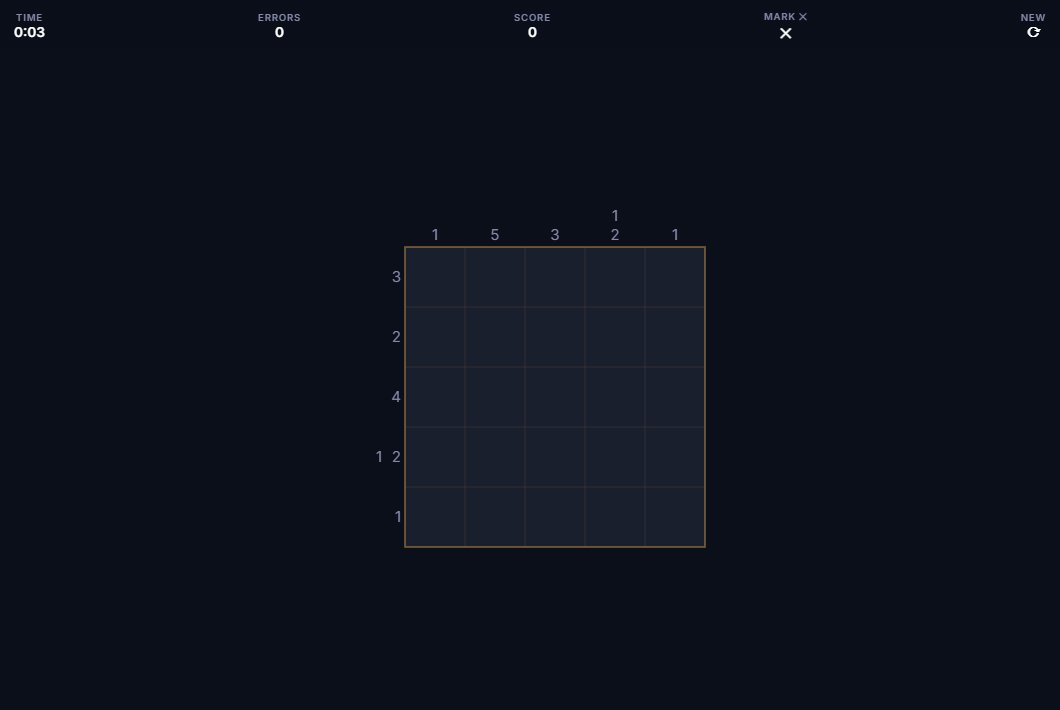
Pixel Forge is a nonogram puzzle game, also called Picross or Griddler. Number clues run along each row and column. Those clues tell you which cells to fill in and which to leave empty. A clue of '3 1' means there's a run of three filled cells, then at least one empty cell, then a run of one filled cell. By matching the row clues against the column clues, you figure out exactly where to fill. When you finish, a pixel art image appears.
Three puzzle sizes are available: 5×5, 10×10, and 15×15. Small puzzles take just a few minutes using basic overlap thinking. Bigger puzzles need more tools: figuring out where the minimum and maximum positions for a clue overlap, using filled rows to narrow down columns, and working from the edges inward. Finishing the puzzle reveals the hidden image — that's the payoff that makes nonograms so satisfying.
Pixel Forge tracks your time and score for each puzzle. Speed and accuracy both count. An error-checking option lets you verify any cell mid-solve. You can turn it off if you want the full challenge.
Screenshot
History & Background
Nonograms were invented by two Japanese puzzle designers working independently in the late 1980s. Non Ishida created a picture logic puzzle published in 1988 after winning a competition. Tetsuya Nishio published a similar format around the same time. The name nonogram comes from Non Ishida's name. Nintendo made the format popular under the name Picross — short for Picture Crossword — with the Game Boy game Mario's Picross in 1995 in Japan. Puzzle magazines in Europe embraced it, and Nintendo kept publishing new Picross games in its Picross e series.
What makes this puzzle special is that it's both a logic exercise and an image reveal. Unlike Sudoku or crosswords, a picture forms as you fill in cells. That visual reward makes it appealing to people who like both thinking and art.
Pixel Forge uses randomly generated puzzles in all three sizes. Each completed solve reveals a different pixel art image.
How to Play
- Number clues on each row and column indicate groups of consecutive filled cells
- Groups must appear in order and be separated by at least one empty cell
- Left-click to fill a cell, right-click to mark it empty (X)
- Cross-reference row and column clues to determine each cell's state
- Complete the grid correctly to reveal the hidden pixel art image
Tips & Strategy
Features
Controls
Left-click to fill, right-click to mark empty.
Tap to fill, toggle mode for marking empty.