Void Sweep
Clear the void without detonating a hidden mine
About This Game
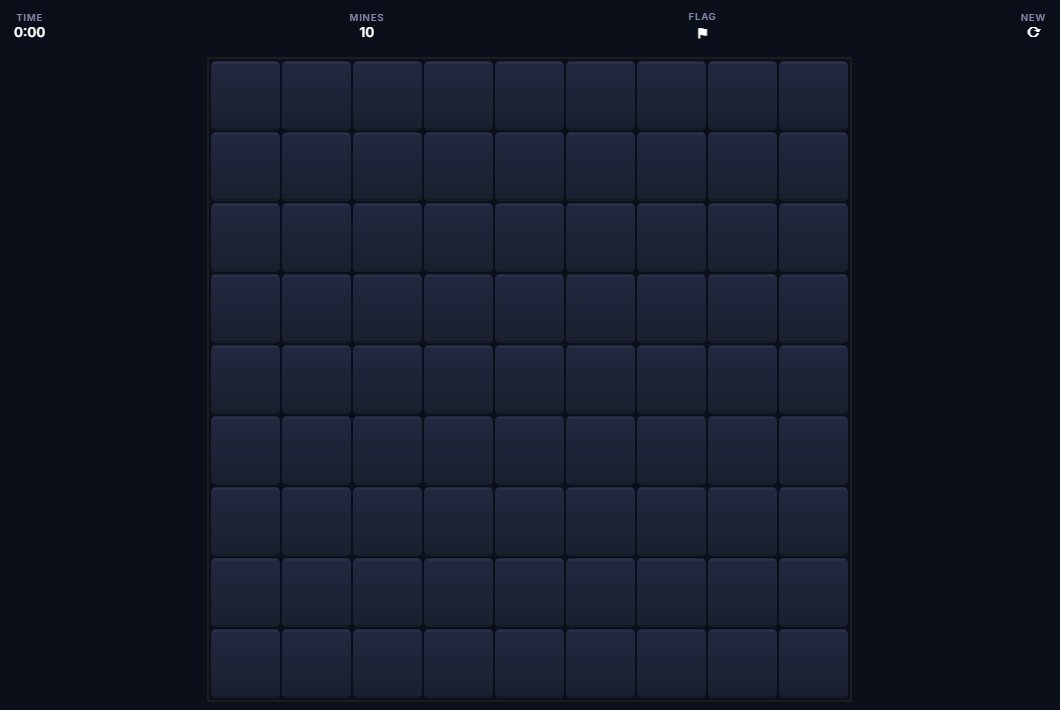
Void Sweep is Minesweeper with an EchoForge void-space look. A grid of cells hides mines underneath. Click a cell to see what's there. You might find a number showing how many of the eight cells around it have mines. Or you might hit a mine and end the game. Use the numbers to figure out which cells are safe. Flag the cells you're sure are mines. Uncover every non-mine cell to win.
Three board sizes are available: Easy is 9×9 with 10 mines, Medium is 16×16 with 40 mines, and Hard is 16×30 with 99 mines. These match the sizes most Minesweeper players know. Your first click is always safe — the board generates after that first click, so you can never hit a mine right away. A mine counter shows how many unflagged mines are still out there. A timer records how fast you solve the board.
Minesweeper is more about logic than luck. Clicking a zero shows a number? It auto-opens all its neighbors, clearing a big safe area in one go. Learning patterns like the 1-1 rule and the 1-2 rule lets you solve the board step by step instead of guessing.
Screenshot
History & Background
The mine-clearing idea goes back to mainframe games in the 1960s and early 1970s. The earliest known ancestor is Cube, a 1973 mainframe game where players navigate a minefield using number clues about nearby mines. Mined-Out in 1983 brought the idea to home computers on the Sinclair Spectrum.
Microsoft's Minesweeper shipped with Windows 3.1 in 1992, and that's why most people know it. Like Solitaire, it was partly meant to teach mouse skills. Right-clicking to flag a mine introduced millions of new users to the right mouse button. The game came with every version of Windows through Vista, making it one of the most-played computer games ever by sheer install count.
Void Sweep uses the same three board sizes the Windows version made famous — 9×9, 16×16, and 16×30 — with EchoForge's dark-space look on top. The first-click safety guarantee is a modern improvement. It removes the frustration of losing on the very first move.
How to Play
- Click any cell to reveal it — the first click is always safe
- Numbers show how many of the 8 adjacent cells contain mines
- Right-click (or long-press) to flag a cell you think has a mine
- If a revealed cell has zero adjacent mines, surrounding cells auto-reveal
- Reveal all non-mine cells to win. Clicking a mine ends the game
- Use the mine counter to track remaining unflagged mines
Tips & Strategy
Features
Controls
Left-click to reveal, right-click to flag.
Tap to reveal, long-press to flag.